7 Best Construction Daily Report Apps (2026)
August 23, 2026
7 Best Construction Daily Report Apps (2026)
Paper daily reports get lost. Spreadsheets get forked into a dozen versions and never make it off the office laptop. So more construction teams are switching to daily report apps that capture the report on site, attach photos automatically, and export a clean PDF the moment work wraps.
But the category is crowded, and the tools range from a $9-a-month single-purpose app to a $1,000-a-month platform where daily reporting is a buried feature. This guide breaks down the seven best construction daily report apps in 2026, who each one is really for, and how to choose without overpaying for software you'll never fully use.
What to look for in a daily report app
Before the list, here's what actually matters day to day:
Offline mode. Job sites lose signal. If the app can't create a report without a connection, it will fail you at the worst moment. This is the single most important feature.
Speed of entry. The whole point is to make reporting fast enough that it happens every day. Pre-filled headers, one-tap weather, and quick labor/equipment logging separate a two-minute report from a twenty-minute chore.
Photo handling. Photos should attach to the report automatically, timestamped, not live in a separate camera roll.
Branded PDF export. Your report should come out looking professional and email-ready, with your company logo — not a raw data dump.
Price that matches your size. A two-person crew and a 200-person GC need very different tools. Paying enterprise prices for daily reports alone is a common, expensive mistake.
The 7 best construction daily report apps
1. BuildLog — best for fast, affordable daily reporting
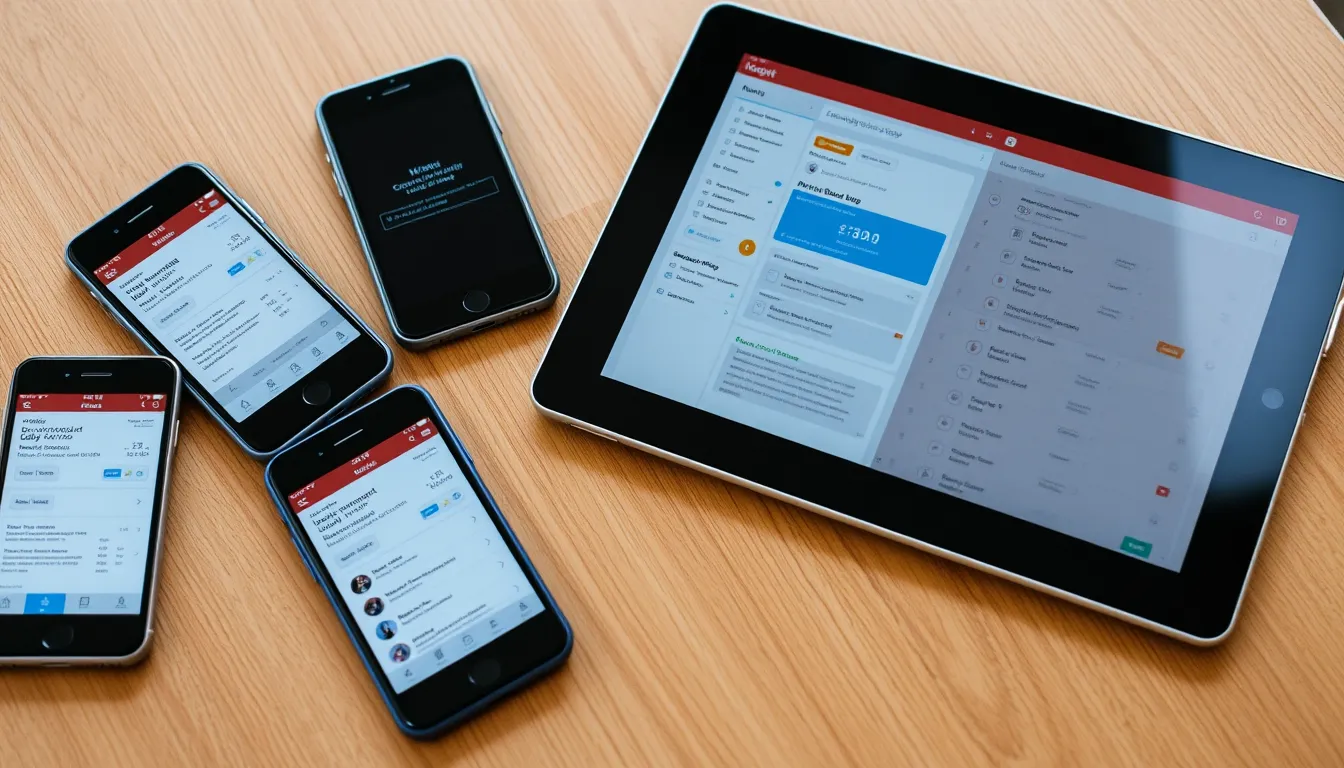
BuildLog is purpose-built for the daily report, which is exactly why it's faster than the all-in-one platforms. You write a complete report on site in minutes: pre-filled project header, one-tap weather, labor and equipment hour tracking, and photos and video that attach to the report as you shoot them. Add safety and QA/QC notes, and when you hit save it exports a branded PDF ready to email. It works fully offline and syncs to a web dashboard so the office can review reports, and it rolls daily entries up into weekly and monthly summaries automatically. It runs on iPhone, iPad, and Android, and there's a free tier to start.
Best for: contractors and subcontractors who want a fast, focused daily report tool without paying for a full project-management suite.
2. Procore — best for large enterprise GCs
Procore is the enterprise standard, with daily logs as one module inside a massive construction-management platform covering financials, scheduling, and more. It's powerful and it's priced for it — typically many thousands of dollars a year. If you need full project management and have the budget, daily reporting is a small part of what you get. For daily reports alone, it's heavy overkill.
Best for: large general contractors already standardizing on a full platform.
3. Fieldwire — best for task and plan management
Fieldwire centers on task management and plan viewing, with reporting features layered on. Crews who live in the drawings and punch lists like it. Daily reporting is capable but secondary to its plan-and-task DNA.
Best for: teams whose main need is plan markup and task coordination.
4. Raken — best for daily-report-first mid-size teams
Raken built its reputation specifically on daily reporting and time tracking, with a polished mobile experience. It sits in the mid-market on price and is a strong option for teams that want daily reports as the core, not an afterthought.
Best for: mid-size contractors wanting a report-focused platform with production tracking.
5. CompanyCam — best for photo documentation
CompanyCam is photo-first: every image is tagged to a project and location automatically. It offers reporting, but its strength is the visual record. Teams often pair it with a dedicated reporting tool.
Best for: teams whose priority is organized, location-tagged jobsite photos.
6. Buildertrend — best for residential builders and remodelers
Buildertrend targets home builders and remodelers, bundling client communication, scheduling, and daily logs. If you run residential projects and want client-facing features, its daily log fits into that larger workflow.
Best for: residential builders who want client management alongside logs.
7. PlanGrid / Autodesk Build — best for BIM-heavy projects
Now part of Autodesk Construction Cloud, this tool shines on document control and BIM-connected workflows for large, design-heavy projects. Daily reporting exists but, as with Procore, it's one feature in a much larger and pricier system.
Best for: large projects deep in the Autodesk ecosystem.
Comparison at a glance
| App | Best for | Daily report focus | Price level |
|---|---|---|---|
| BuildLog | Fast, affordable daily reports | Core purpose | Free tier / low |
| Procore | Enterprise GCs | One module | Very high |
| Fieldwire | Tasks & plans | Secondary | Mid |
| Raken | Report-first mid-size teams | Core | Mid |
| CompanyCam | Photo documentation | Secondary | Mid |
| Buildertrend | Residential builders | One module | Mid–high |
| PlanGrid / Autodesk | BIM-heavy projects | One module | High |
How to choose
The honest answer: match the tool to the job you actually need done.
If you need full project management — financials, scheduling, RFIs — and have the budget, a platform like Procore or Autodesk makes sense, and you get daily reports as part of the package.
But if what you actually need is a fast, reliable way to file a strong daily report every day — with photos, labor hours, and a branded PDF — a focused tool wins on both speed and price. Paying enterprise rates for daily reporting alone is the most common overspend in the category.
That's the gap BuildLog fills: everything a great daily report needs, offline, in two minutes, on the devices your crew already carries, starting free.
Frequently asked questions
What is the best free construction daily report app? BuildLog offers a free tier built specifically around daily reporting, including offline capture and PDF export. Most enterprise platforms have no meaningful free option.
Do daily report apps work offline? The good ones do. BuildLog creates reports fully offline and syncs when you're back on signal — essential on sites with no coverage. Always confirm offline support before choosing.
Can I export daily reports as a PDF? Yes — the best apps export a branded, email-ready PDF automatically when you save the report, so you're not reformatting anything by hand.
Do I need a full platform like Procore just for daily reports? No. If daily reporting is your main need, a focused app is faster and far cheaper. Full platforms make sense only when you also need their financial and scheduling modules.
Skip the enterprise price tag. Create your first daily report free with BuildLog — iPhone, iPad, and Android.
Get the BuildLog app
Write the day's report, log hours and attach photos — from the site, on your phone.


BuildLog is a free construction daily report app for contractors — download the app or read the guides.