Best Construction Daily Report App for iPad
August 23, 2026
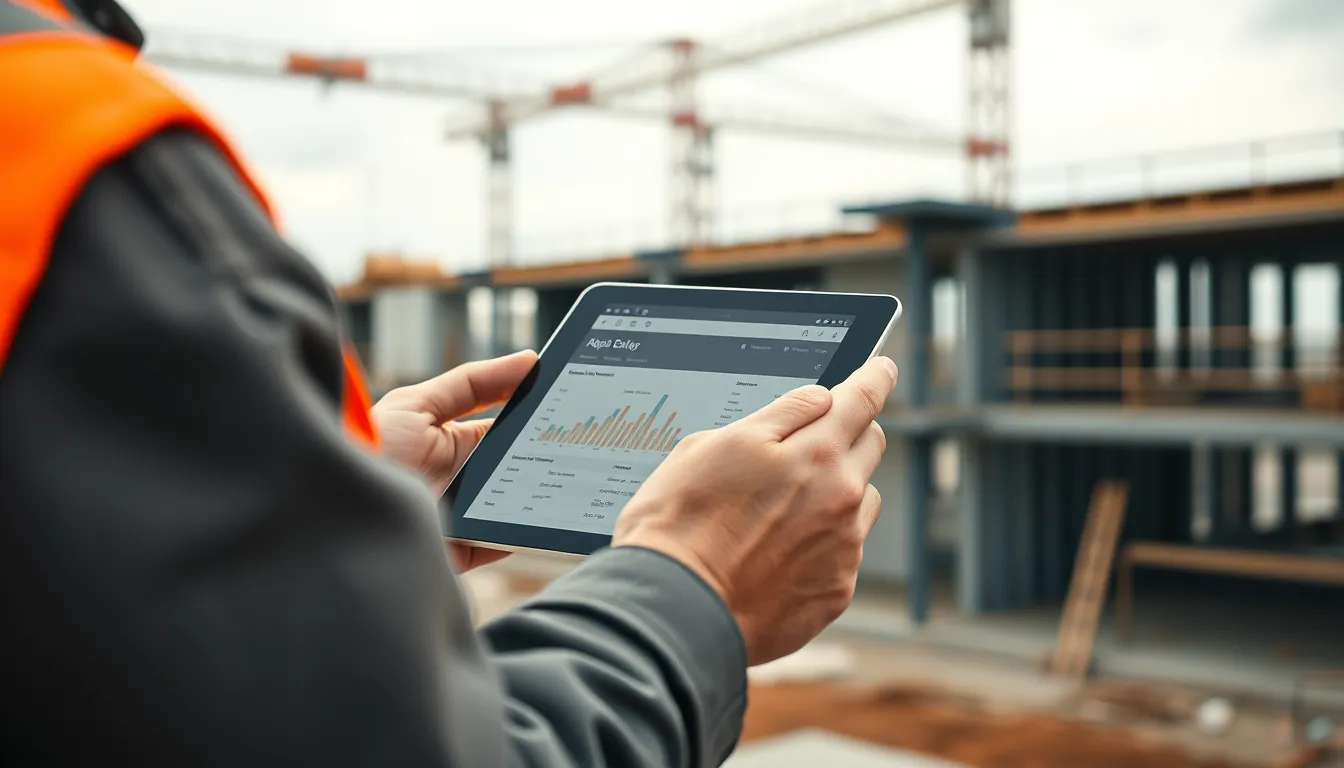
Best Construction Daily Report App for iPad
The iPad has quietly become the site trailer's favorite tool. It's big enough to review drawings and fill out a detailed report comfortably, portable enough to carry on a walk-through, and it pairs beautifully with a keyboard when the superintendent settles in at the end of the day. If daily reporting is part of your workflow, the right iPad app turns that tablet into a documentation powerhouse. Here's what makes the iPad great for daily reports and what to look for in an app.
Why the iPad works so well for daily reports
A phone is always with you, but a phone screen is cramped for a detailed report with a dozen fields and a photo grid. The iPad splits the difference — big-screen comfort in a device you can still carry around the site.
More room to work. A larger screen means you can see the whole report, review a photo before attaching it, and type a proper delays note without squinting.
Great for review. Project managers use the iPad to review the day's reports, flip through photos at a usable size, and check progress — often side by side with the plans.
Keyboard-friendly. Pair a keyboard and the end-of-day report becomes genuinely fast to type.
Camera on board. Every iPad has a capable camera, so you can photograph progress and attach it to the report without switching devices.
What to look for in an iPad daily report app
Not every app uses the iPad's screen well. The best ones offer:
A layout built for the big screen, not just a stretched phone view — multi-column forms, a proper photo grid, and side-by-side review.
True offline mode. Even on Wi-Fi-only iPads with no cellular, the app must create and store reports offline and sync when a connection returns. This matters even more on an iPad, since many are Wi-Fi-only.
Universal sync. Start a report on your iPhone in the field and finish it on the iPad in the trailer — the same report, synced across devices.
Branded PDF export. The iPad's screen makes it easy to review the finished report before you send the branded PDF.
The iPad-plus-phone workflow
The most productive setup uses both. The foreman captures quick notes and photos on a phone during the walk-round; the superintendent finishes and reviews the full report on the iPad, keyboard attached, at day's end; and the office pulls it all up on a web dashboard. The key is an app that syncs seamlessly across all three so nothing is re-entered.
An app that runs on iPad, iPhone, and the web
BuildLog runs natively on iPad and iPhone and syncs to a web dashboard, so the iPad-plus-phone workflow just works. Capture labor, equipment, weather, work completed, delays, and photos on whichever device is in hand; everything works fully offline — important for Wi-Fi-only iPads on a no-signal site — and syncs when you're back online. Review the finished report on the iPad's larger screen and export a branded PDF ready to email. There's a free tier, and it's also on Android if your crews are mixed. It turns the iPad you already carry into a proper daily-reporting station.
Frequently asked questions
Is the iPad good for construction daily reports? Yes. The larger screen makes detailed reports and photo review far more comfortable than a phone, while staying portable enough for site use. Pair a keyboard and end-of-day reporting is fast.
Do daily report apps work on a Wi-Fi-only iPad? The good ones do, via offline mode — reports are created and stored locally, then synced when Wi-Fi is available. Always confirm true offline support, since many iPads have no cellular.
Can I start a report on my phone and finish it on my iPad? With an app that syncs across devices, yes. BuildLog keeps the same report available on iPhone, iPad, and the web.
Turn your iPad into a reporting station. Try BuildLog free — iPad, iPhone, and Android.
Get the BuildLog app
Write the day's report, log hours and attach photos — from the site, on your phone.


BuildLog is a free construction daily report app for contractors — download the app or read the guides.