Construction Daily Log App: A Buyer's Guide
August 23, 2026
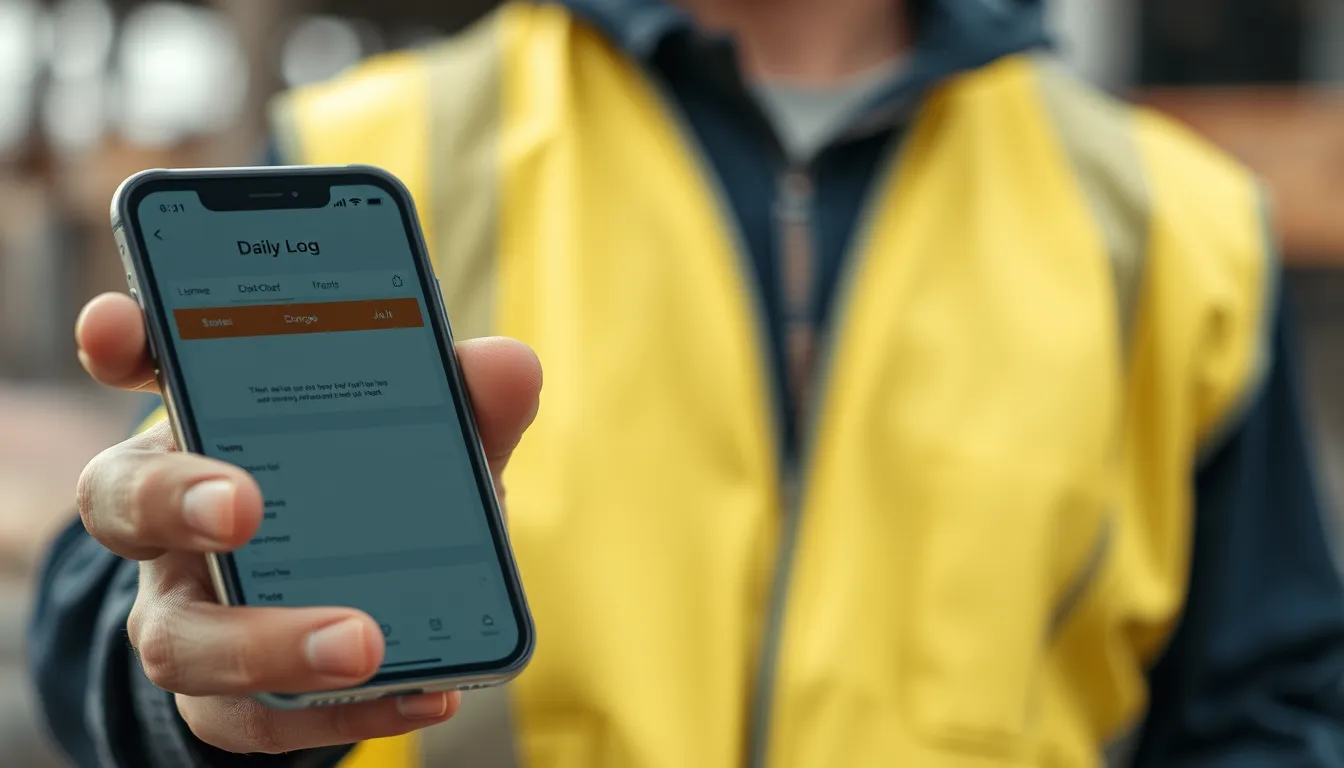
Construction Daily Log App: A Buyer's Guide
Switching from a paper daily log book or a spreadsheet to a construction daily log app is one of the highest-return upgrades a contractor can make — but only if you pick the right one. Choose poorly and you end up with an app your crews won't use, and you're back to paper within a month. This buyer's guide gives you a practical framework: the features that matter, the questions to ask, and how to match an app to how your team actually works.
Start with the job, not the feature list
Before comparing apps, get clear on what you actually need. A two-person crew documenting small jobs and a 50-person contractor coordinating multiple projects have very different requirements. Ask: How many projects run at once? Who fills out reports — one super, or many foremen? Does the office need to review reports remotely? How much do photos matter to your work? Your answers narrow the field fast and stop you overpaying for scale you don't need.
The evaluation checklist
Run every candidate through these seven checks.
1. Offline mode. Can it create a full report with no signal, then sync? If not, stop here — it won't survive real job sites.
2. Speed. Can a foreman file a complete report in a few minutes? Pre-filled fields and one-tap inputs are the difference between adoption and abandonment.
3. Photo handling. Do photos attach to the report automatically, timestamped? Or do they live separately, waiting to be matched up later?
4. PDF export. Is the output a clean, branded, email-ready PDF — or a raw data dump?
5. Report completeness. Does it cover the sections you need: labor, equipment, weather, materials, work completed, delays, safety, QA/QC?
6. Office access. Is there a web dashboard so the office can review reports without chasing PDFs, plus weekly and monthly roll-ups?
7. Price fit. Does the cost match the daily-logging job, or are you paying for a full project-management suite you won't use?
The adoption test
The best app on paper is worthless if your crews won't use it. Adoption comes down to speed and simplicity: if the app is faster than what they do now, they'll use it; if it's slower or more complicated, they'll quietly go back to paper. Before committing, put any app in a foreman's hands for a week on a real job. Watch whether reports actually get filed. That week tells you more than any feature comparison.
Questions to ask a vendor
A short list cuts through marketing: Does it work fully offline, or just cache? What exactly is in the free tier versus paid? Can I export all my data if I leave? How are photos stored and are they included? Is there a per-user cost as my team grows? Straight answers here separate honest tools from ones with hidden catches.
A daily log app that passes the checklist
BuildLog was built around exactly this checklist. It works fully offline, files a complete report in minutes, attaches photos automatically, exports a branded PDF, covers every core section including safety and QA/QC notes, and syncs to a web dashboard with weekly and monthly summaries. It runs on iPhone, iPad, and Android, and there's a free tier — so the best way to run the adoption test is to put it in a foreman's hands this week at no cost.
Frequently asked questions
What should I look for in a construction daily log app? Offline mode, fast entry, automatic photo handling, branded PDF export, complete report sections, an office web dashboard, and pricing that fits the job. Offline capability is the non-negotiable.
How do I know if my crew will actually use it? Run a one-week pilot on a real project. If the app is faster than their current method, adoption follows. If reports don't get filed in that week, keep looking.
Is a daily log app worth it over paper? For almost any team, yes — you get legible, searchable, photo-backed records that can't be lost or rained on, usually for little or no cost at the entry level.
Run the adoption test free this week. Try BuildLog — iPhone, iPad, and Android.
Get the BuildLog app
Write the day's report, log hours and attach photos — from the site, on your phone.


BuildLog is a free construction daily report app for contractors — download the app or read the guides.