Daily Progress Report Format for Construction (Excel & PDF)
August 23, 2026
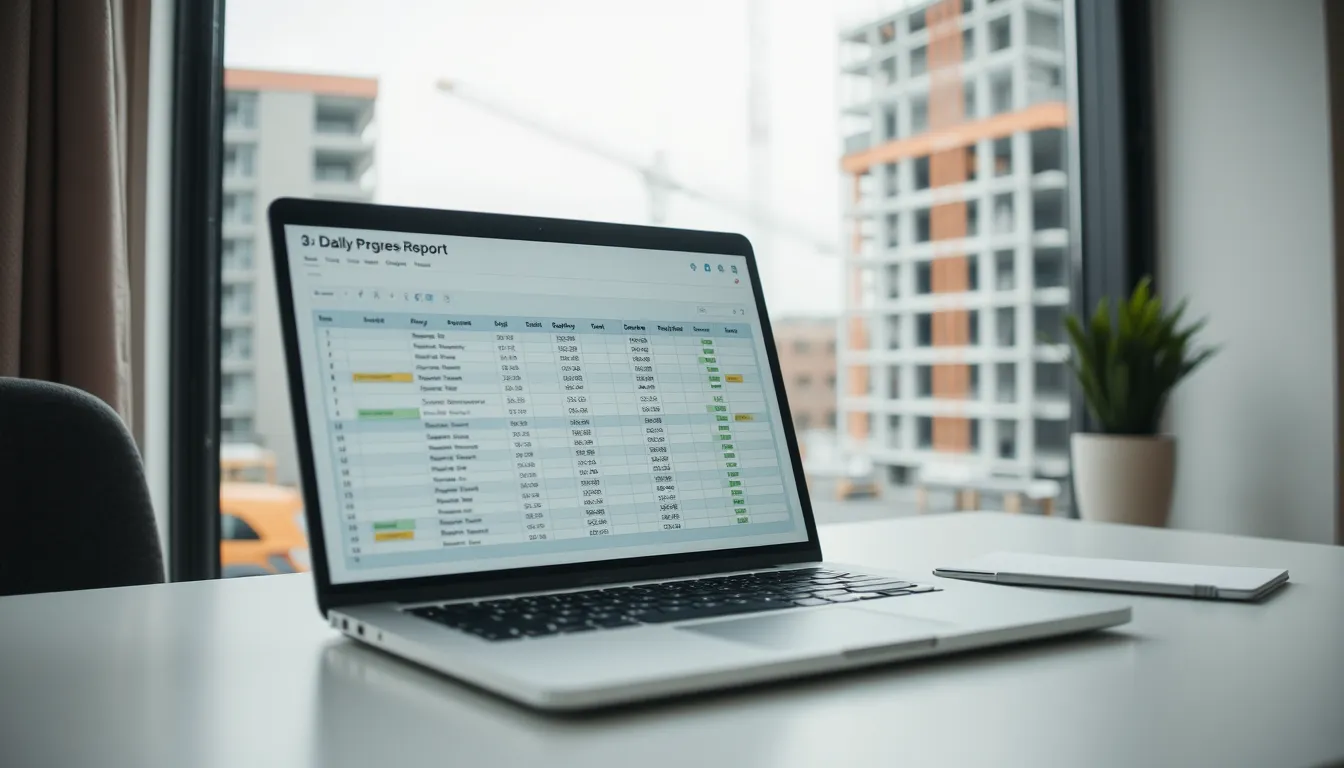
Daily Progress Report Format for Construction (Excel & PDF)
A daily progress report answers one question the owner and project manager ask constantly: are we on schedule? Unlike a general daily log, a progress report ties the day's work back to the plan — planned versus actual, percent complete, and whether today moved the project forward or sideways. This guide gives you a clean daily progress report format for construction, in both Excel and PDF, and shows how to link it to your schedule so it actually measures progress.
Progress report vs. daily log
The two overlap but aren't the same. A daily log records everything that happened — labor, equipment, weather, deliveries. A progress report focuses on advancement against plan: which activities were scheduled, what actually got done, and the gap between them. The best daily reports do both, capturing the full log while calling out progress explicitly.
What the progress report format should include
Header: project, report number, date, prepared by, and the reporting period (today's date, plus project start and target completion for context).
Scheduled activities: the activities planned for today, ideally pulled from your program or Gantt schedule.
Actual work completed: what was really accomplished, tied to those activities and to physical locations.
Percent complete: for each active activity or work package, today's percentage versus target.
Progress vs. plan: ahead, on track, or behind — and by how much.
Labor & equipment: the resources that drove today's progress (headcount and hours).
Delays & constraints: anything that slowed advancement — weather, RFIs, missing materials, rework.
Look-ahead: what's planned for tomorrow, and any resource or material needs to hit it.
Photos & signature.
Excel layout
Excel suits the progress report well because percent-complete and variance calculate cleanly. Build columns for Activity, Planned %, Actual %, Variance (=Actual−Planned), and Notes. Color the variance cells with conditional formatting — green for on/ahead, red for behind — so the status reads at a glance. Add a labor and equipment block below, and a look-ahead section for tomorrow.
PDF layout
For a report you email to the owner, a clean one-page PDF wins. Lead with a short status line ("Project 62% complete, 3 days behind on structural steel"), then the activity table, the day's narrative, delays, look-ahead, and photos. The PDF version is the one stakeholders actually read, so keep it scannable.
Linking progress to the schedule
A progress report is only meaningful against a baseline. Pull today's scheduled activities from your project program so "planned" isn't guesswork. When actuals consistently trail the plan in one activity, that's your early warning to add resources or escalate — weeks before the slip shows up on the master schedule. Reports that surface a delay early are worth far more than ones that merely record it after the fact.
Making progress reporting sustainable
Progress reporting fails when it's too much work to keep up daily. Manually reconciling planned versus actual in a spreadsheet every evening is exactly the kind of task that gets skipped on a busy week — and a progress report with gaps can't measure a trend.
BuildLog makes the daily part effortless: capture labor, equipment, work completed, delays, and photos on site in minutes, offline, then export a branded PDF and let it roll up into weekly and monthly summaries automatically. With the daily capture handled fast every day, keeping progress current stops being a chore. There's a free tier to start.
Frequently asked questions
What is a daily progress report in construction? It's a daily record that measures work completed against the planned schedule — including percent complete and any variance — so the team knows whether the project is on track.
How is a progress report different from a daily report? A daily report logs everything that happened; a progress report specifically compares actual progress to the plan. Many teams combine both in one document.
What format is best for a progress report? Excel for calculating percent-complete and variance; PDF for a clean, one-page status update to stakeholders. An app that captures both and exports a PDF gives you the best of each.
Capture the day fast, keep progress current. Try BuildLog free — iPhone, iPad, and Android.
Get the BuildLog app
Write the day's report, log hours and attach photos — from the site, on your phone.


BuildLog is a free construction daily report app for contractors — download the app or read the guides.