Daily Report vs. Progress Report: What's the Difference?
August 23, 2026
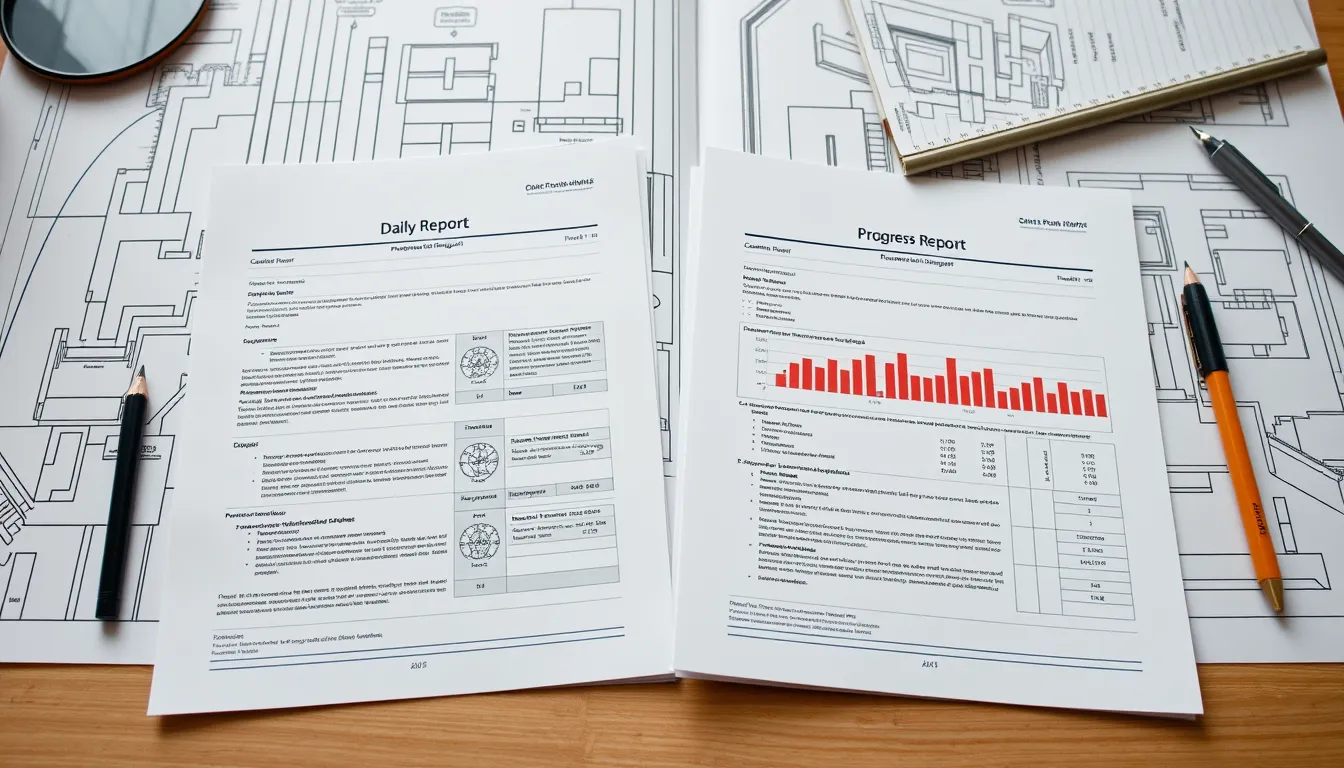
Daily Report vs. Progress Report: What's the Difference?
"Daily report" and "progress report" get used interchangeably on job sites, but they're not the same document — and confusing them leaves gaps in your records. One captures what happened today; the other measures how the project is tracking against plan. Here's the difference, why it matters, and how the two fit together.
The short answer
A daily report is a detailed record of a single day on site: who was there, what work was done, weather, equipment, materials, and any delays. Its job is documentation.
A progress report measures advancement against the schedule over a period — usually a week or month: planned versus actual, percent complete, and whether the project is ahead or behind. Its job is measurement and communication.
Put simply: the daily report is the raw record; the progress report is the analysis built from it.
Side by side
| Daily Report | Progress Report | |
|---|---|---|
| Frequency | Every working day | Weekly or monthly (sometimes daily) |
| Focus | Everything that happened today | Advancement vs. the schedule |
| Key content | Labor, equipment, weather, deliveries, delays, photos | Planned vs. actual, % complete, variance, look-ahead |
| Audience | Project team, record-keeping | Owners, executives, stakeholders |
| Primary purpose | Documentation & evidence | Measurement & communication |
| Time span | One day | A period, against a baseline |
Why the distinction matters
Teams that only keep daily reports have a great record but no clear read on whether they're on schedule — the story is buried across dozens of daily entries no owner will read. Teams that only send progress reports can tell you they're three days behind but can't prove why, because the daily detail that explains the slip was never captured.
You need both, and they depend on each other. Strong daily reports are the raw material; the progress report is only as accurate as the daily records feeding it. Skip the daily detail and your progress reporting becomes guesswork.
How they work together
The workflow is simple when the pieces connect. Each day, the site team files a daily report capturing labor, work completed, and delays. At the end of the week or month, those daily entries roll up into a progress report: total labor hours, work completed by area, delays that affected the schedule, and percent complete against plan. The daily reports explain every number in the progress report — so when an owner asks why structural steel is behind, the answer is already documented, day by day.
Capturing both without double work
The friction is obvious: nobody wants to write detailed daily reports and separately compile progress reports. When both are manual, one of them gets neglected — usually the daily detail, which quietly undermines the progress report too.
BuildLog connects the two so you only do the work once. Capture the daily report on site in minutes — labor, equipment, weather, work completed, delays, and photos — and the app rolls those entries into weekly and monthly summaries automatically. The daily record feeds the progress view without re-keying anything. It works offline and exports branded PDFs for both the daily log and the period summary. There's a free tier to start.
Frequently asked questions
Is a daily report the same as a progress report? No. A daily report documents everything that happened on a given day; a progress report measures the project's advancement against the schedule over a period. They serve different purposes and are best used together.
Which one do owners want to see? Usually the progress report — a concise read on schedule status — but it's only credible when backed by detailed daily reports that explain the numbers.
Can one tool produce both? Yes. If you capture detailed daily reports, a good app rolls them into weekly and monthly progress summaries automatically, so you don't compile them by hand.
Capture the day, get the progress summary for free. Try BuildLog — iPhone, iPad, and Android.
Get the BuildLog app
Write the day's report, log hours and attach photos — from the site, on your phone.


BuildLog is a free construction daily report app for contractors — download the app or read the guides.