Punch List Template (Free Excel & PDF)
August 23, 2026
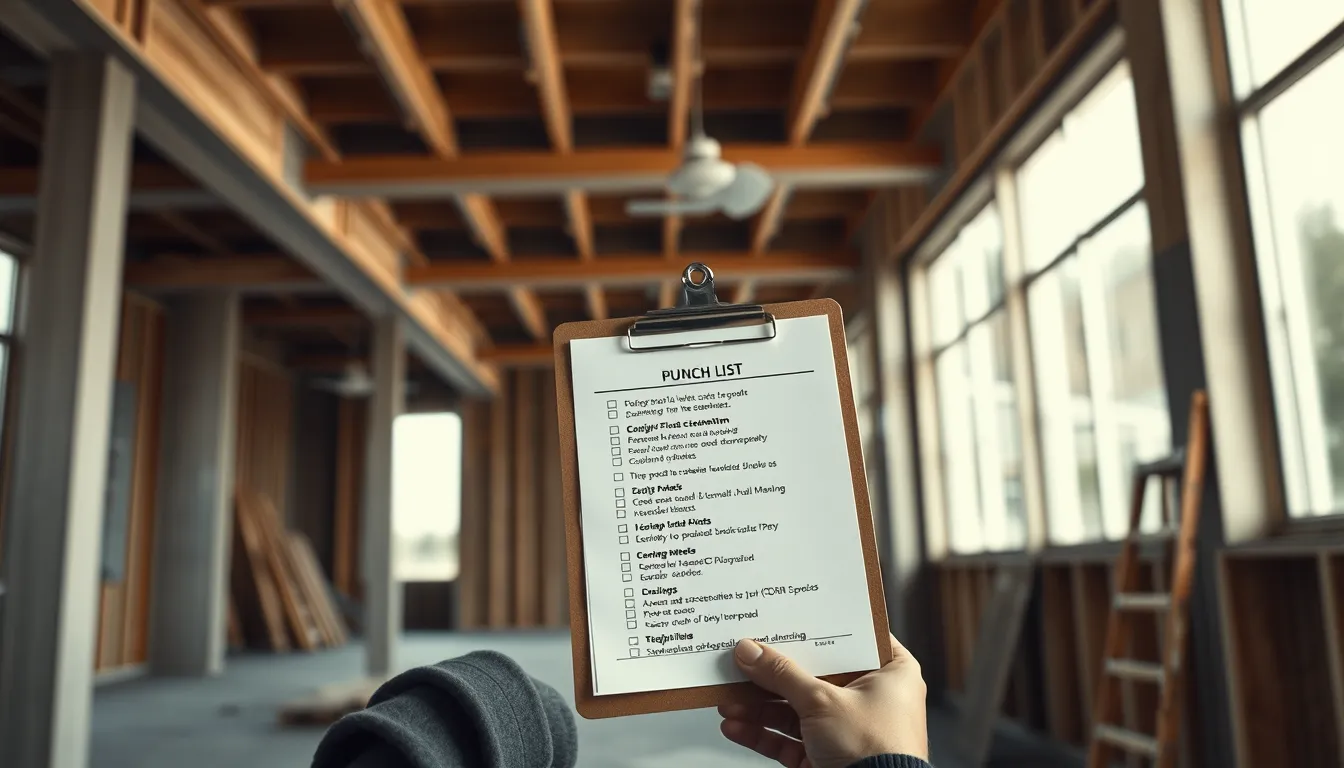
Punch List Template (Free Excel & PDF)
The punch list is the home stretch of a construction project — the running list of items that need to be fixed, finished, or corrected before the work is accepted. Handled well, it drives a clean, fast closeout. Handled badly, it drags on for weeks with items lost, disputed, and re-inspected. This guide gives you a free punch list template in Excel and PDF, the fields every item needs, and how to run closeout without items slipping through the cracks.
What is a punch list?
A punch list (called a snag list in the UK) is the list of deficiencies identified near the end of a project that must be resolved before final acceptance and payment. Items range from cosmetic (paint touch-ups, scratched fixtures) to functional (a door that won't latch, a missing outlet cover). The list is walked, assigned, corrected, and re-inspected until every item is closed.
The punch list template
Every punch item needs these fields:
| Field | Purpose |
|---|---|
| Item # | Unique reference |
| Location | Room, area, or grid — precise |
| Description | The specific deficiency |
| Trade responsible | Who fixes it |
| Priority | Critical vs. cosmetic |
| Date identified | When it was added |
| Status | Open / In progress / Complete / Verified |
| Date closed | When verified fixed |
| Photo | Before (and ideally after) |
Excel version: best for sorting and filtering — group by trade to hand each subcontractor their items, filter by status to see what's open, and track closure dates. Use conditional formatting to flag open items.
PDF version: best for the walk-through and for issuing a clean list to each trade, and for the final signed-off record.
Running closeout that doesn't drag
Most punch lists stall for predictable reasons. Head them off:
Be specific on location and description. "Paint" in a 40-unit building is useless; "Unit 3B, north bedroom, paint scuff left of window" gets fixed. Vague items generate return trips and disputes.
Assign every item to a trade. An unassigned item is nobody's job and never closes.
Photograph everything. A before photo proves the deficiency; an after photo proves the fix — and heads off "that was already like that" arguments.
Track status to closure. Open, corrected, and verified are three different states. An item isn't done until it's re-inspected and verified, not just when a trade says they fixed it.
Keep one master list. Five versions emailed around is how items get lost. One source of truth, updated as items close.
Why photos make closeout faster
The single biggest accelerator on a punch list is photo documentation. A punch item with a clear before photo can't be disputed and doesn't need re-explaining; an after photo closes it without a second site visit. Punch lists that live in photos close far faster than text-only lists, because there's no ambiguity about what the item is or whether it's fixed.
Managing punch items from the field
The pain of a punch list is that it's created on a walk-through, on your feet, but usually recorded on paper and later re-typed into a spreadsheet — losing time and photos in the process.
BuildLog lets you capture deficiencies on site as you walk: note the location and description, attach a before photo, and keep every item in one place tied to the project record. Document the fix with an after photo, track it to closed, and export a branded PDF list for each trade or for the final record. It works offline, so a walk-through with no signal still captures everything. There's a free tier to start.
Frequently asked questions
What is a punch list in construction? A list of deficiencies — items to fix, finish, or correct — identified near project completion that must be resolved before final acceptance and payment.
What should a punch list template include? Item number, precise location, description, responsible trade, priority, date identified, status, date closed, and photos.
How do you keep a punch list from dragging on? Be specific on each item, assign every item to a trade, photograph before and after, track items to verified closure, and keep one master list rather than many versions.
Capture punch items with photos on the walk-through. Try BuildLog free.
Get the BuildLog app
Write the day's report, log hours and attach photos — from the site, on your phone.


BuildLog is a free construction daily report app for contractors — download the app or read the guides.