The 3-Week Look-Ahead Schedule Explained
August 23, 2026
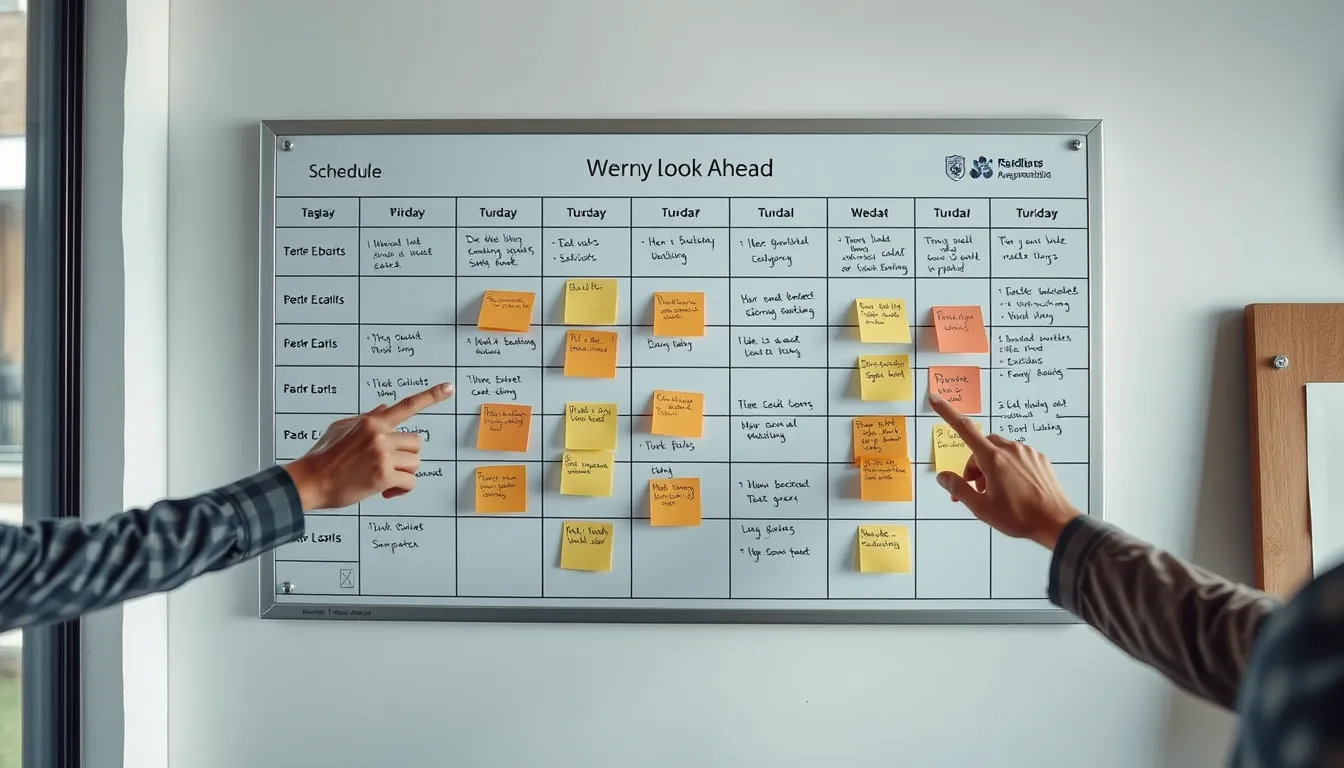
The 3-Week Look-Ahead Schedule Explained
The master schedule tells you where a project should be over months. But it's too high-level to run a job site day to day. That's where the look-ahead schedule comes in — a short, detailed plan of the next few weeks that turns the master schedule into actionable work. The 3-week look-ahead is the most common form and one of the most useful planning tools in construction. This guide explains what it is, why it works, and how to keep it accurate.
What is a look-ahead schedule?
A look-ahead schedule (also called a short-interval schedule) is a detailed, near-term plan of the work coming up — typically the next two to four weeks. Unlike the master schedule, which shows major activities across the whole project, the look-ahead breaks the immediate work into the specific, actionable tasks each crew will perform, along with the resources, materials, and prerequisites needed to do them.
The 3-week look-ahead is the standard: near enough to plan in real detail, far enough to see and clear obstacles before they hit.
Why the 3-week look-ahead works
The power of the look-ahead is that it makes problems visible early enough to solve. By planning the next three weeks in detail, you surface the constraints — a material that needs ordering now to arrive in time, an inspection that has to be booked, an RFI that must be answered before a crew can start, a piece of equipment that needs scheduling. Catching these in the look-ahead means clearing them before they become delays. Without it, those constraints announce themselves the morning the work is supposed to start — too late.
The look-ahead also coordinates trades. Seeing three weeks of detailed work side by side reveals where crews will clash, where one trade depends on another finishing, and where the site will be congested — all while there's still time to adjust.
What a look-ahead schedule includes
Activities by week and day — the specific tasks, broken down finer than the master schedule.
Crews and resources — who does each task and what they need.
Materials — what must be on site, and by when (with order lead times flagged).
Prerequisites and constraints — inspections, RFI answers, prior work, permits, or equipment each task depends on.
Responsibility — who owns each activity.
Keeping the look-ahead honest
A look-ahead is only useful if it reflects reality, which means updating it every week against what actually happened. This is where it connects to your daily reports: the daily record of what got done, what slipped, and why is exactly the input you need to roll the look-ahead forward accurately. A crew that fell behind, a delivery that didn't arrive, an RFI still open — your daily reports capture all of it, and that's what makes the next week's look-ahead realistic instead of aspirational.
BuildLog feeds the look-ahead with an accurate daily record. Capture what each crew actually completed, what got delayed and why, and the constraints that emerged — labor, materials, RFIs, inspections — on site every day. When it's time to update the look-ahead, you're working from a real record of the last week, not a guess, so your three-week plan reflects the job as it actually is. It works offline and rolls into weekly summaries, with a free tier to start.
Frequently asked questions
What is a 3-week look-ahead schedule? A detailed near-term plan of the next three weeks of work, breaking the master schedule into specific tasks, crews, materials, and constraints so problems can be cleared before they cause delays.
How is a look-ahead different from the master schedule? The master schedule shows major activities across the whole project; the look-ahead details the immediate few weeks at the task level, with the resources and prerequisites each task needs.
How do you keep a look-ahead accurate? Update it weekly against what actually happened, using your daily reports — completed work, slips, and emerging constraints — as the input so the next weeks reflect real conditions.
Feed your look-ahead with a real daily record. Try BuildLog free.
Get the BuildLog app
Write the day's report, log hours and attach photos — from the site, on your phone.


BuildLog is a free construction daily report app for contractors — download the app or read the guides.