How to Organize Construction Site Photos
August 23, 2026
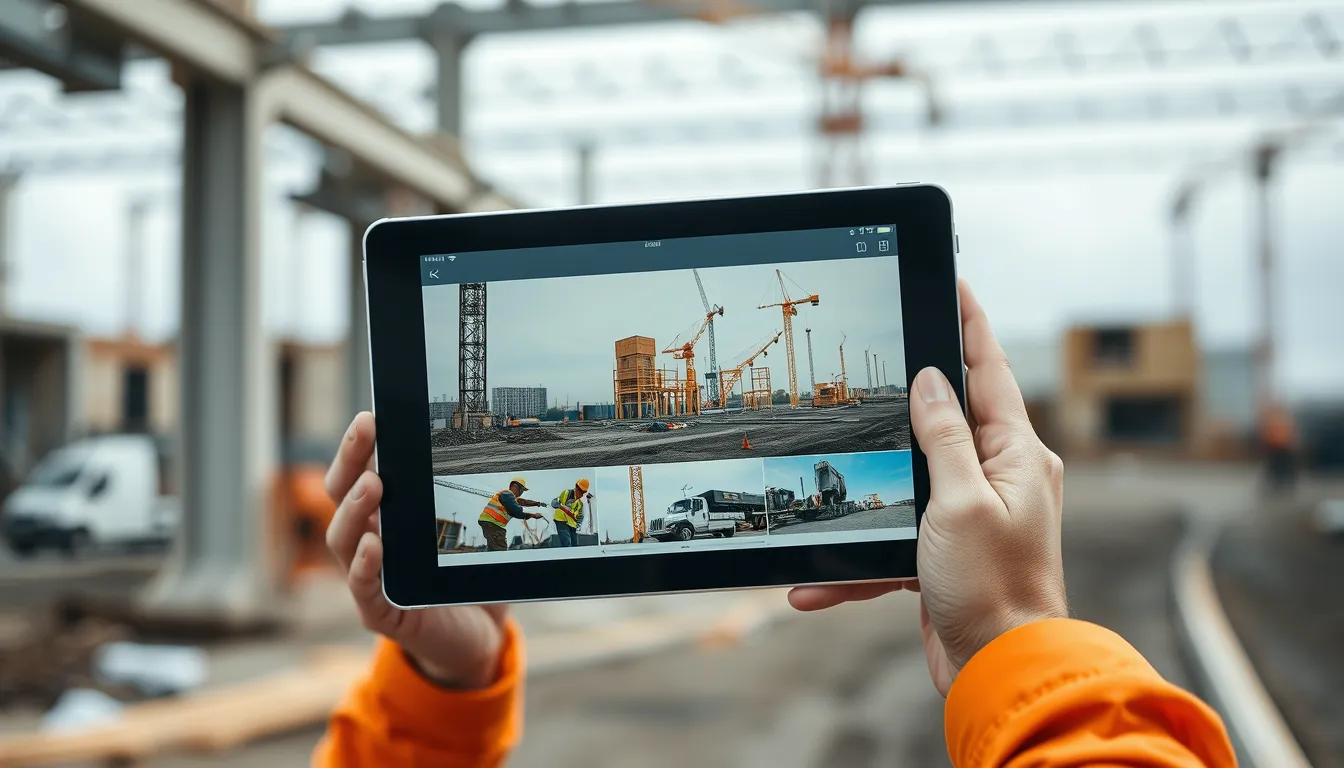
How to Organize Construction Site Photos
Every construction project generates thousands of photos. The problem is almost never taking enough of them — it's finding the one you need, months later, among the flood. A photo you can't retrieve is a photo that doesn't exist when it counts. This guide covers how to organize construction site photos so any image is findable in seconds, and why the organizing has to happen at capture, not after.
Why photo organization fails
The default way photos accumulate — dumped into a phone's camera roll — is the worst possible system for retrieval. Images from five projects mix together, nothing is labeled, dates are the only metadata, and after a few months you have a scroll of thousands of near-identical shots. When you need "the photo of the damaged truss delivered in May on the Lakeside job," you're scrolling for twenty minutes and probably give up. The photos are there; the organization isn't.
The core mistake is treating organization as something to do later. In practice, "later" never comes, and photos taken today become unfindable within weeks.
What good photo organization looks like
Photos are organized well when every image carries the context needed to find it:
Project. Which job the photo belongs to — the first way you'd narrow a search.
Date and time. When it was taken, reliably, so you can find images from a specific day.
Location. Where on site — grid, level, area, room — so you can find the photo of a specific place.
Category or context. What the photo documents — progress, a delivery, an issue, safety, pre-concealment work.
Link to the record. Connection to the written report or item the photo supports, so image and context stay together.
With these, retrieval becomes a quick filter — project, then date, then area — instead of an endless scroll.
Organize at capture, not after
The key principle: the organizing has to happen when you take the photo, automatically, or it won't happen at all. Nobody realistically sits down each evening to sort, label, and file the day's images. The only system that works is one where snapping the photo already files it — into the right project, with the date, tied to the location and the day's record. Organization as a byproduct of capture is the only kind that survives a busy project.
This is also why camera-roll-plus-folders fails: it relies on a manual sorting step that never happens. A photo has to land organized, or it lands lost.
Retrieval is the whole point
The test of a photo system isn't how you store images — it's how fast you can get one back. When a dispute, a warranty question, or a pay-application challenge arrives, you need the specific image, fast. A system where you filter by project and date and see exactly the photos from that day, tied to what was happening, turns a panicked search into a ten-second lookup. That retrieval speed is the entire value of organizing in the first place.
BuildLog organizes site photos at capture, automatically. Every photo attaches to the day's report for the right project, timestamped and tied to the work and location — so your images are filed the instant you shoot them, no evening sorting. When you need a specific photo later, you filter by project and date and pull it in seconds, with the full context of that day's record around it. Everything exports as branded PDFs and works offline, with a free tier to start.
Frequently asked questions
How should I organize construction site photos? By project, date, location, and category — with each photo tied to the written record it supports. The organizing should happen automatically at capture, not as a later sorting task.
Why is a camera roll bad for jobsite photos? It mixes projects, adds no labels beyond the date, and relies on manual sorting that never happens — so photos become impossible to retrieve within weeks.
What's the most important thing about photo organization? Retrieval. The point is being able to find a specific image fast when you need it, which requires organizing at capture by project, date, and location.
Photos filed the moment you shoot them. Try BuildLog free.
Get the BuildLog app
Write the day's report, log hours and attach photos — from the site, on your phone.


BuildLog is a free construction daily report app for contractors — download the app or read the guides.