Progress Photos: How to Document Construction Progress
August 23, 2026
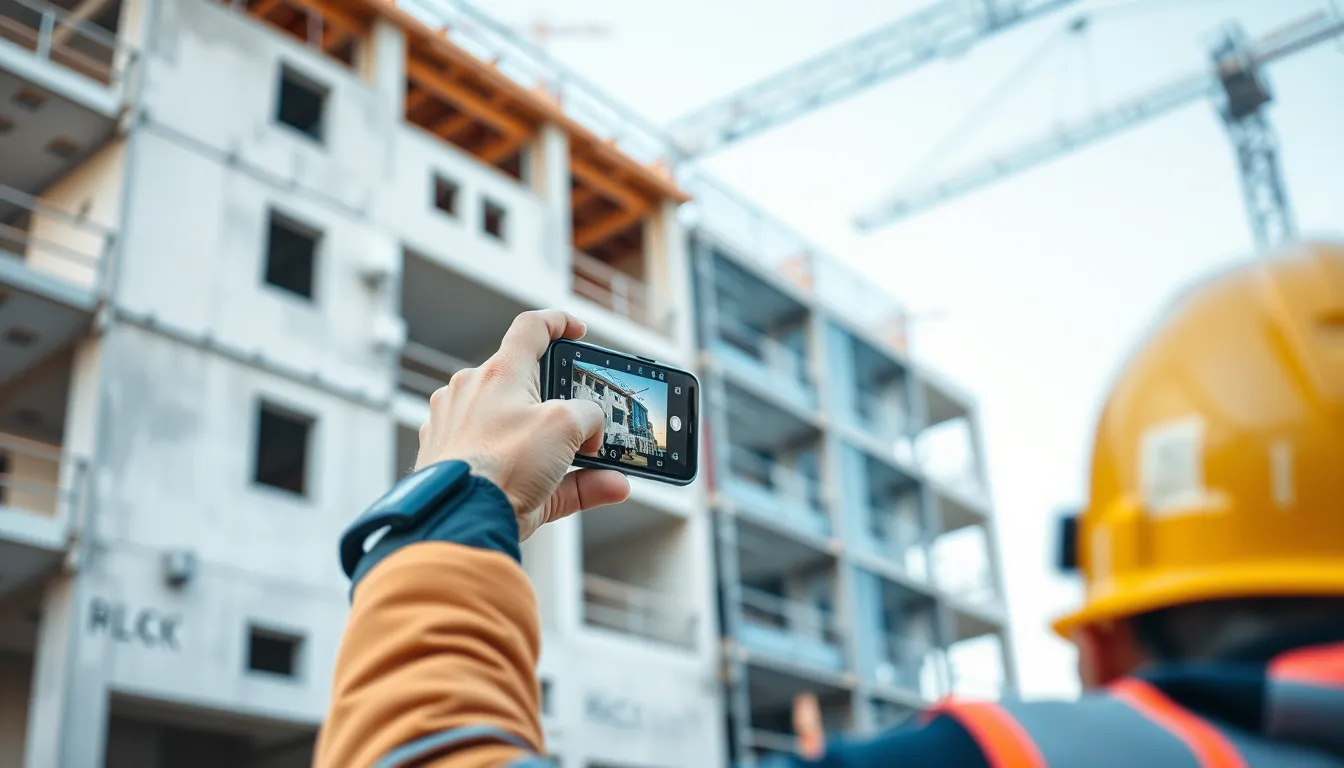
Progress Photos: How to Document Construction Progress
Progress photos are the visual timeline of a project — the images that show, week by week, how a building came together. Done well, they let anyone see the project's pace at a glance, back up progress claims and pay applications, and become a powerful record if the schedule is ever questioned. Done poorly, they're a jumble of disconnected shots that tell no story. This guide covers how to take progress photos that actually document progress.
What makes a progress photo different
A progress photo isn't just any site photo — it's specifically meant to show change over time. That means the key quality is comparability: a progress photo is most valuable when it can be lined up against last week's and next week's from the same vantage point, so the advancement is obvious. A single great photo shows a moment; a series of consistent photos shows a project being built.
Consistency is everything
The single most important progress-photo practice is shooting from consistent vantage points. Pick a set of fixed positions — key corners, the same view down a corridor, an overview from a set spot — and shoot from those same positions every time. When you stack those images in sequence, the progress reads instantly because everything but the work stays the same. Random angles, however well-composed, can't be compared and don't tell the story.
The right cadence
How often to shoot progress photos depends on the pace of change:
Daily for fast-moving work or critical activities — a concrete pour, steel erection, anything you want a tight record of.
Weekly for overall progress from your fixed vantage points — the standard cadence for a project timeline.
At milestones — completion of major phases, before concealment of key work, inspection points.
The goal is a regular enough rhythm that the timeline is continuous, with extra coverage on the moments that matter most.
Tie progress photos to the schedule and the record
Progress photos gain power when they connect to the rest of your documentation. A photo dated and tied to the work it shows can back up a specific pay-application percentage or a progress claim. Lined up against the schedule, a series of progress photos either confirms you were on pace or documents exactly when and where things slowed. This is why progress photos belong with your daily and progress reports, not in an isolated album — together they're a far stronger record than either alone.
Making progress photos effortless
Consistent, dated, well-organized progress photos sound like work — and with a camera roll and a spreadsheet, they are. The practice sticks only when capture is effortless and organization is automatic.
BuildLog makes progress photos part of your daily flow. Shoot from your regular vantage points and the images attach to the day's report, timestamped and tied to the project, so your progress timeline builds itself as you document each day. Everything is searchable by date, rolls into weekly and monthly summaries, and exports as branded PDFs — so you can show a clean progress story to an owner or pull the exact image you need for a claim. It works offline, with a free tier to start.
Frequently asked questions
How do you take good construction progress photos? Shoot from consistent, fixed vantage points on a regular cadence, timestamp every image, and tie photos to the work and schedule — so the series shows change over time.
How often should you take progress photos? Weekly from fixed positions for overall progress, daily for fast-moving or critical work, and at every major milestone or before key work is concealed.
Why shoot from the same positions each time? Consistent vantage points make images comparable, so the progress between shots is instantly visible. Random angles can't be lined up and don't document change.
Build your progress timeline as you work. Try BuildLog free.
Get the BuildLog app
Write the day's report, log hours and attach photos — from the site, on your phone.


BuildLog is a free construction daily report app for contractors — download the app or read the guides.